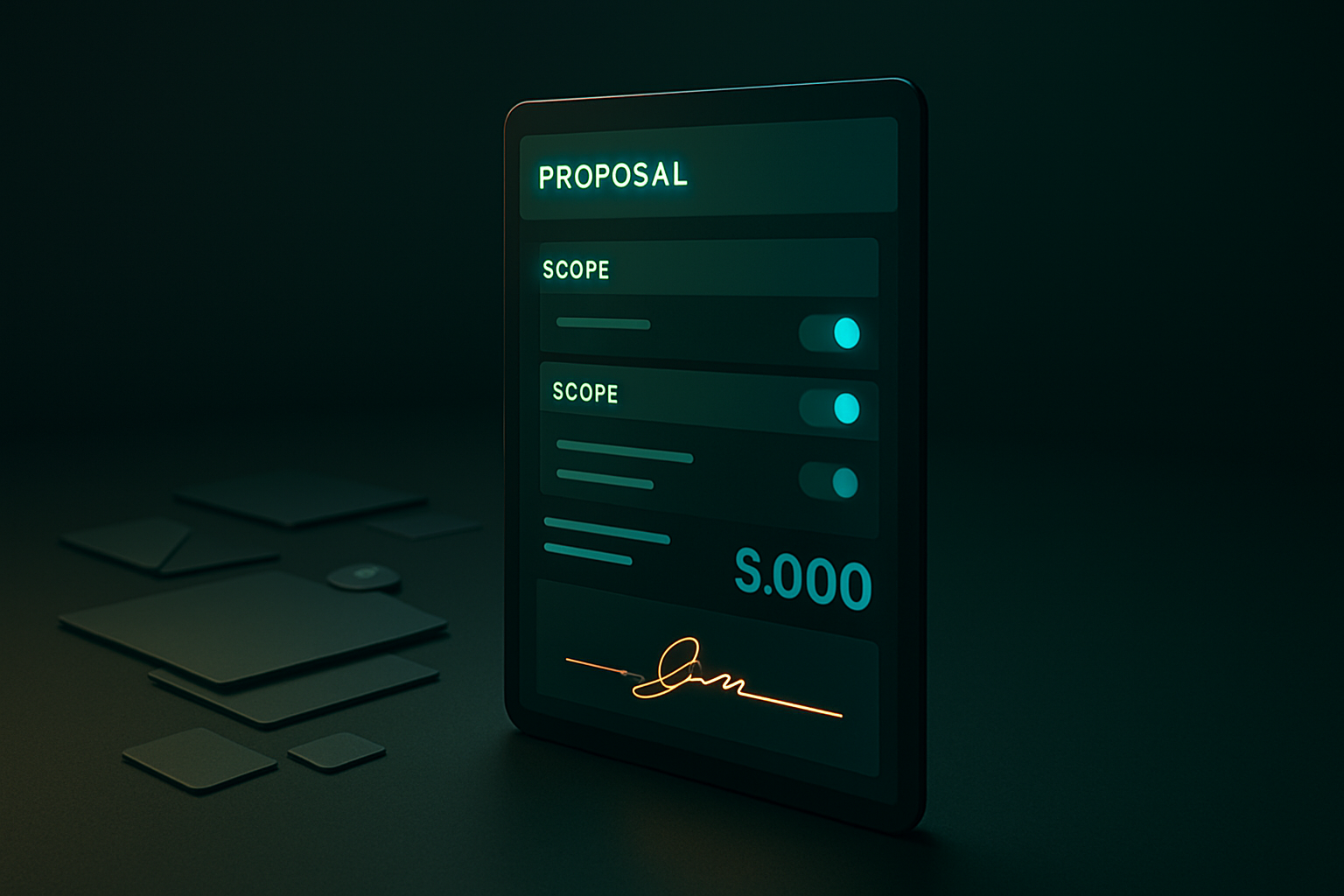
Your proposal goes out as a PDF. Three days later you get an email back: 'can we drop the onboarding tier and see the price without it?' You export a new version, resend, wait again. Multiply that across every deal in your pipeline and you're running a document version-control problem instead of running an agency.
The static proposal problem
A PDF or slide deck is a one-way document. The client reads it, then has to reach back out through email or a call to ask questions, request changes, or say what they'd actually pick if the price looked different. Every one of those touches adds a delay before the deal can move. And once you've sent the file, you have no way to know what they lingered on or what they'd add given the option.
A branded landing page instead of a file
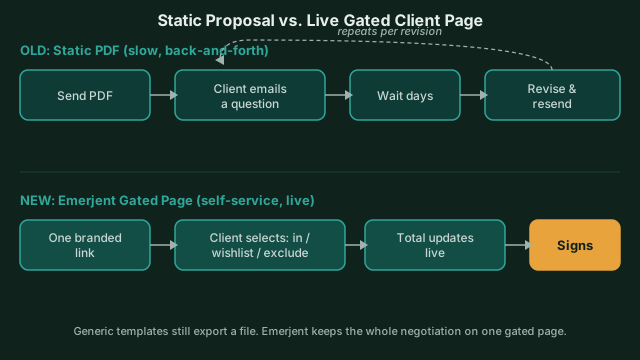 The PDF loop repeats per revision; the gated page resolves scope and signature on one URL.
Emerjent replaces the exported file with a live page at /proposal/<slug>. It's built from Emerjent's deal_proposal feature, a reusable template that carries your discovery notes, your scope, and your pricing into one gated, branded page using your org's configured branding (light or dark), not a generic export. The client logs in, and what they see is shaped by their role: the discovery-to-scope-to-acceptance flow in a natural reading order, never the underlying deal mechanics you don't want exposed.
Overview, discovery, scope, then the decision
The page reads the way a good proposal conversation goes, not the way an internal doc gets written:
- Overview: the executive summary that ties it together
- Discovery: what you heard about their problem, in their words
- Scope: the products and deliverables you're proposing
- Acceptance: the actual decision point
Nothing about that order is arbitrary. It's the same sequence you'd walk through on a call, just self-served.
The wishlist and exclusions do the negotiating for you
Here's the part that actually cuts the email back-and-forth: on the proposal page itself, the client can mark each option in scope, on a wishlist, or excluded. They see immediately what's included, what they've flagged as 'maybe later,' and what's explicitly out. That's the negotiation happening on the page instead of in your inbox.
Say you send a proposal with a core package plus two optional add-ons. Instead of emailing to ask 'what if we skip the second add-on,' the client toggles it to wishlist right on the page and watches the total update. You get that signal without a single reply-all.
Cost stays yours, not theirs
None of this works if the client can see your margin. Emerjent enforces that with server-side redaction: it isn't a display setting you could get wrong, it's enforced in the database itself, so cost, margin, and rate data never reach the external viewer. What they see is exactly what you've published to show them.
Changes without an email chain
If either side wants to change something after the fact, the request runs through the proposal itself instead of a new email thread. The proposal moves into a clear 'changes requested' state until it's resolved, so both sides know exactly where things stand instead of scrolling back through a thread to find which version you actually agreed on.
What this replaces
You're not choosing a nicer-looking template. You're replacing a static export with a page that:
- Carries your branding automatically, no re-formatting per send
- Lets the client shape their own scope before they sign
- Hides cost data by construction, not by convention
- Keeps the whole discovery-to-accept flow behind one URL
Where to start
If you're sending more than a handful of proposals a week, the version-control cost adds up fast, every export, every 'here's the updated version' email, every question about what's included is a delay you didn't need. Build your first deal proposal template with your standard scope and pricing, then send the link instead of the file.